최소: 64비트 프로세서와 운영 체제가 필요합니다 운영 체제: Windows 10 64 Bit 메모리: 4 GB RAM 그래픽: Geforce GTX 960 DirectX: 버전 11 저장 공간: 1 GB 사용 가능 공간
 FA
FAErik AsmussenFactory Town 2: Paradise
✓ 출처 확인출시됨
Factory Town 2: Paradise
A Town Builder + Factory Sim where you fully automate a tropical village and feed a giant volcano. Use conveyor belts, trains, boats, zip lines, pipes, water wheels and more to produce massive amounts of items and keep everyone happy!
출시일2026. 07. 14
개발Erik Asmussen
플랫폼PC
이 게임에 대해
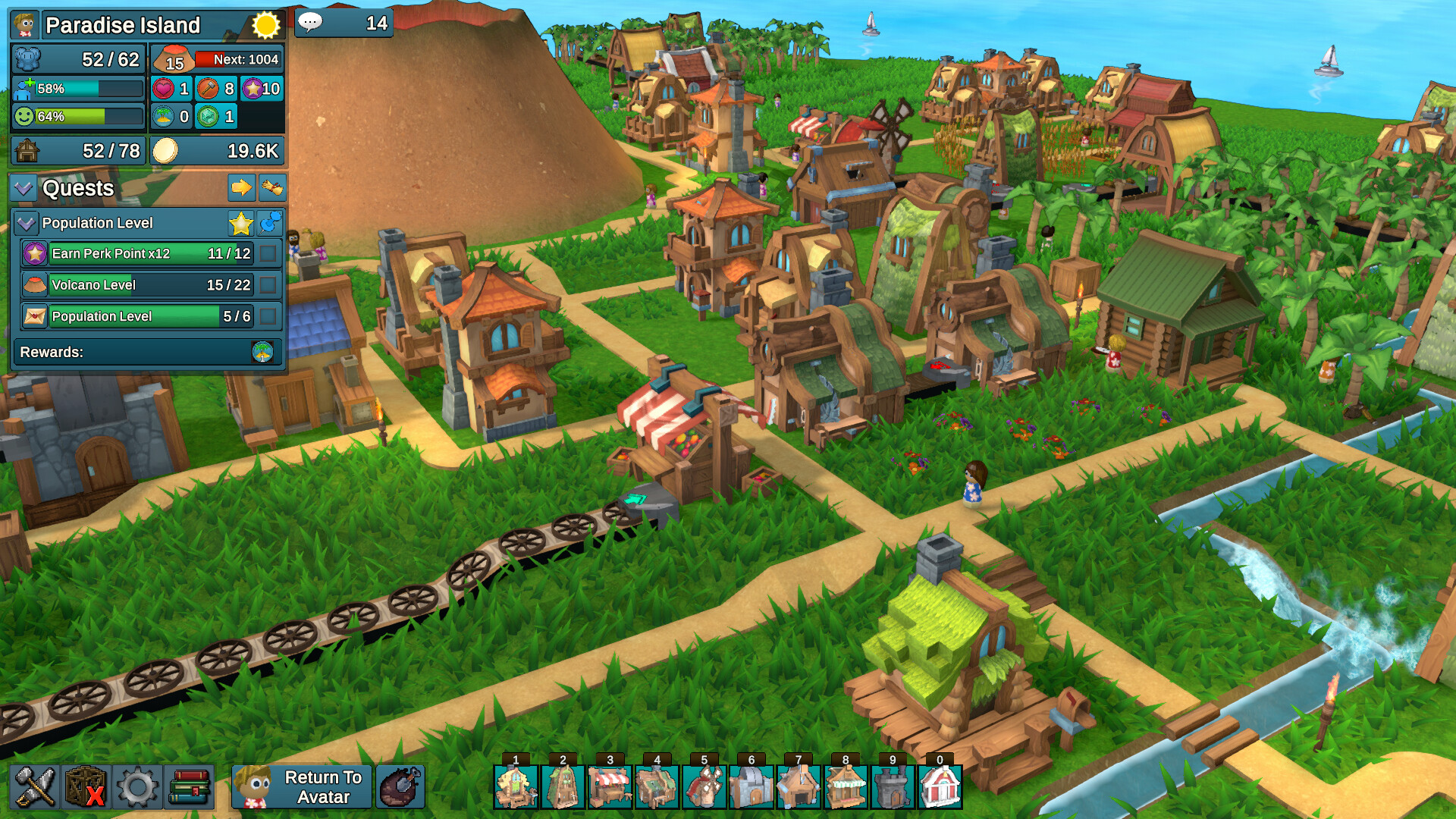
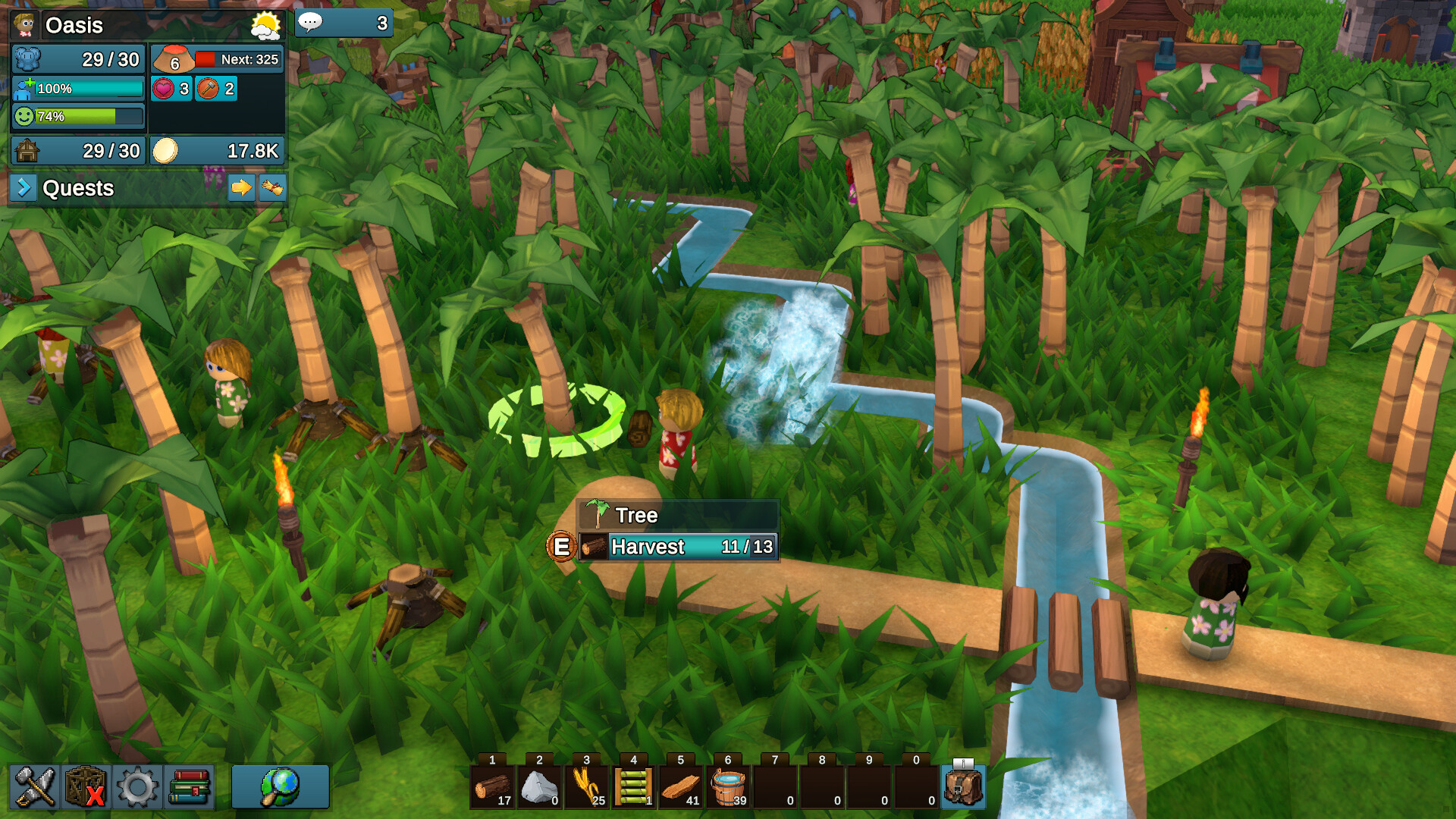
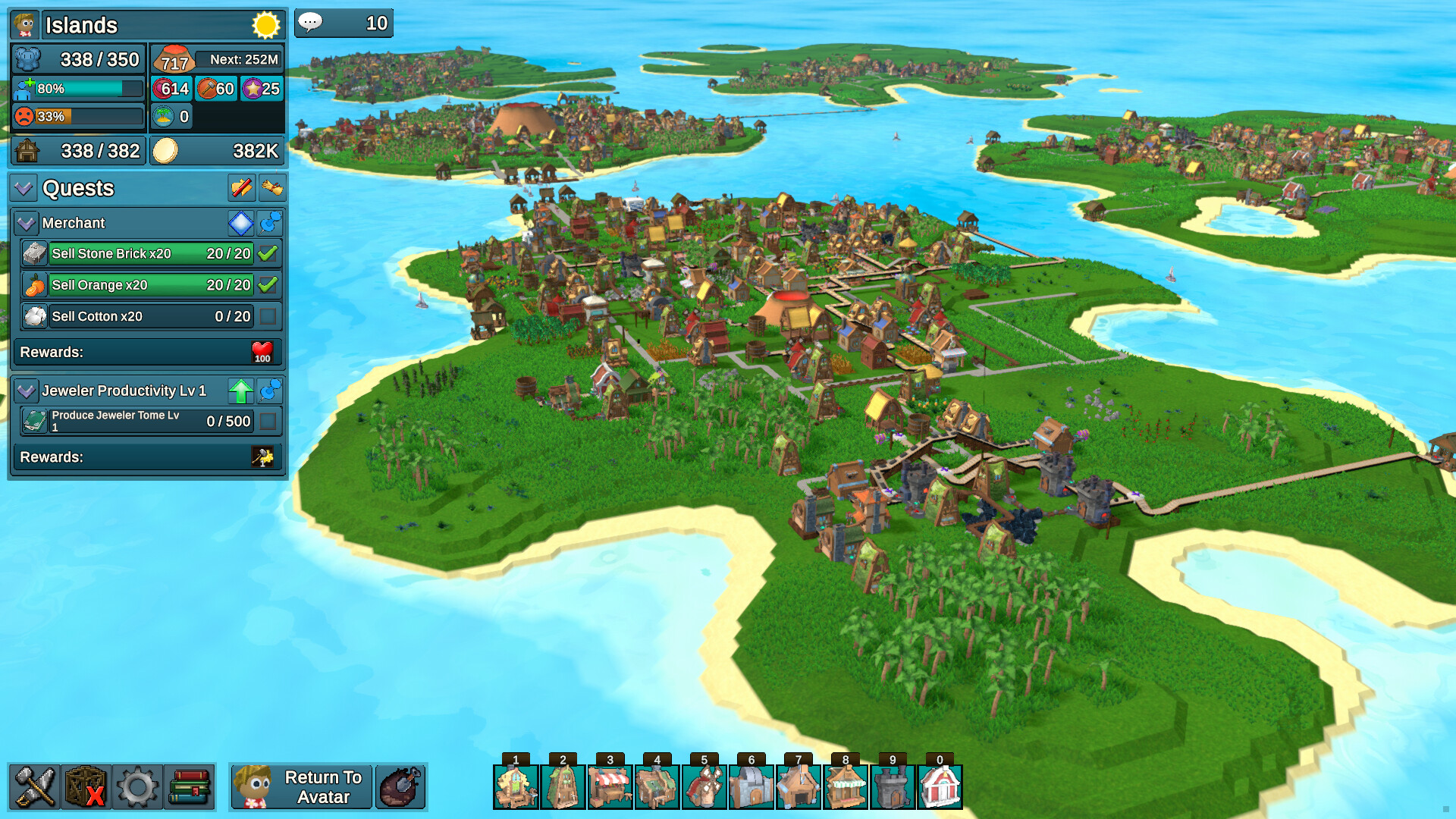
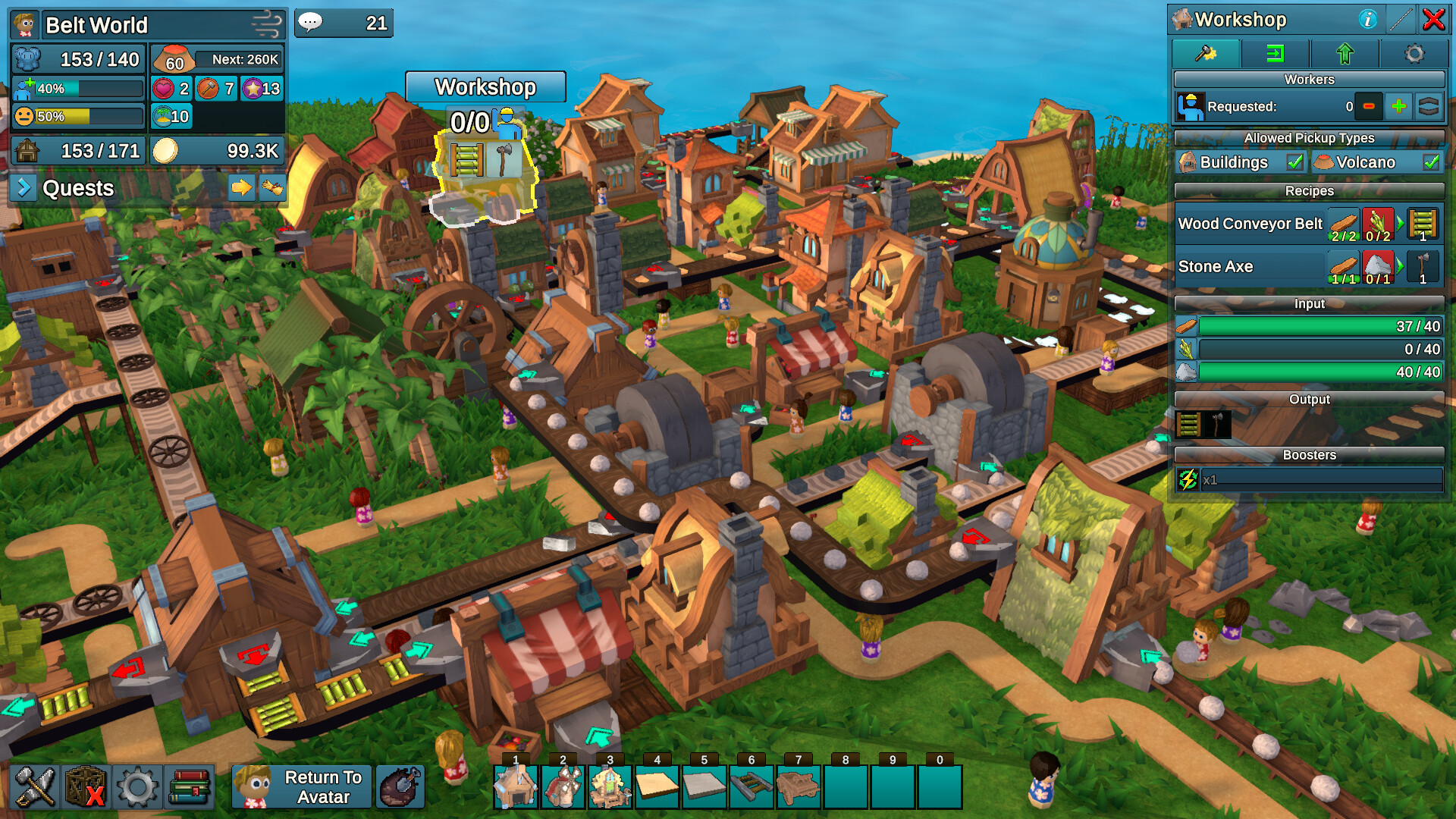
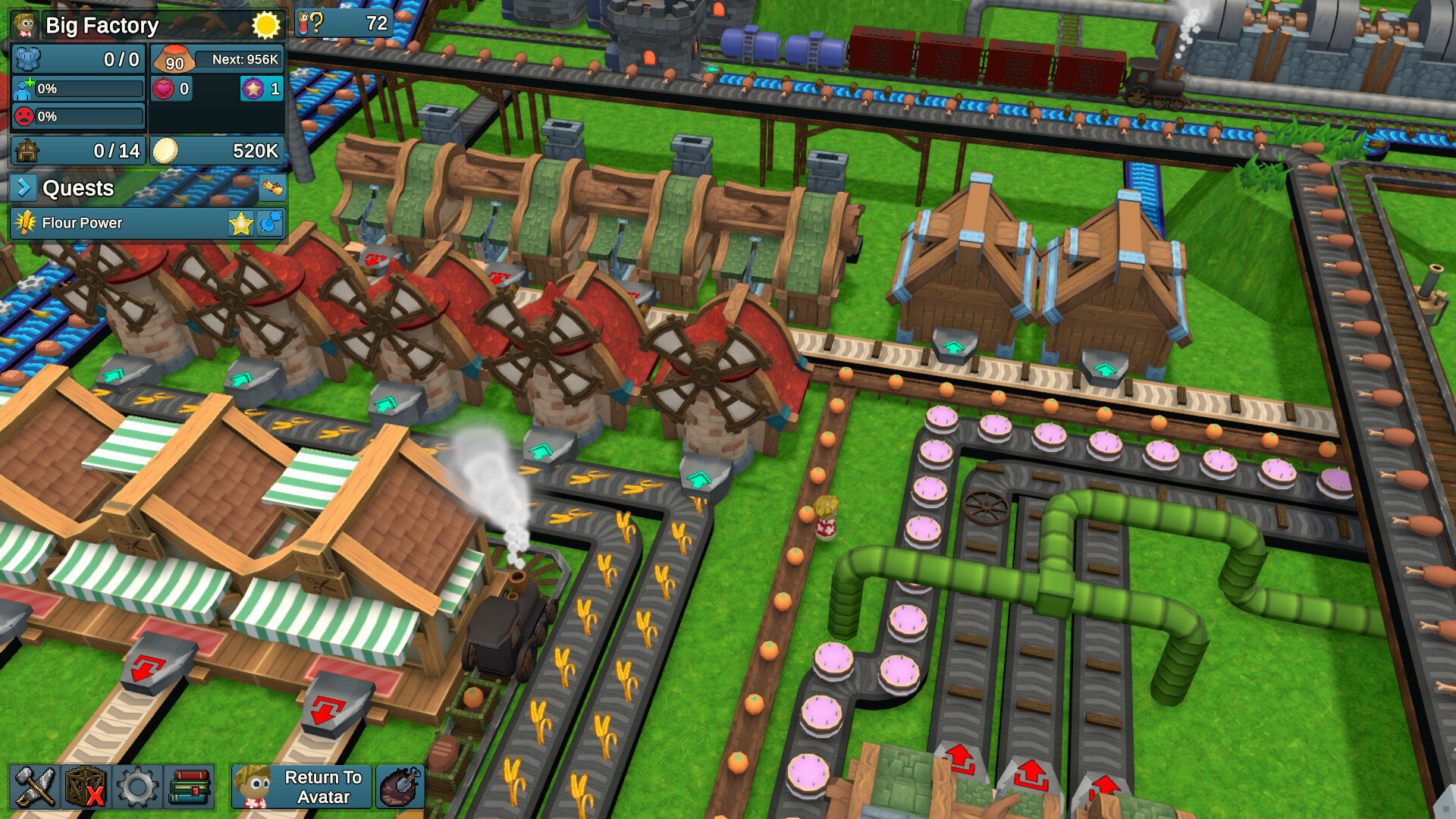
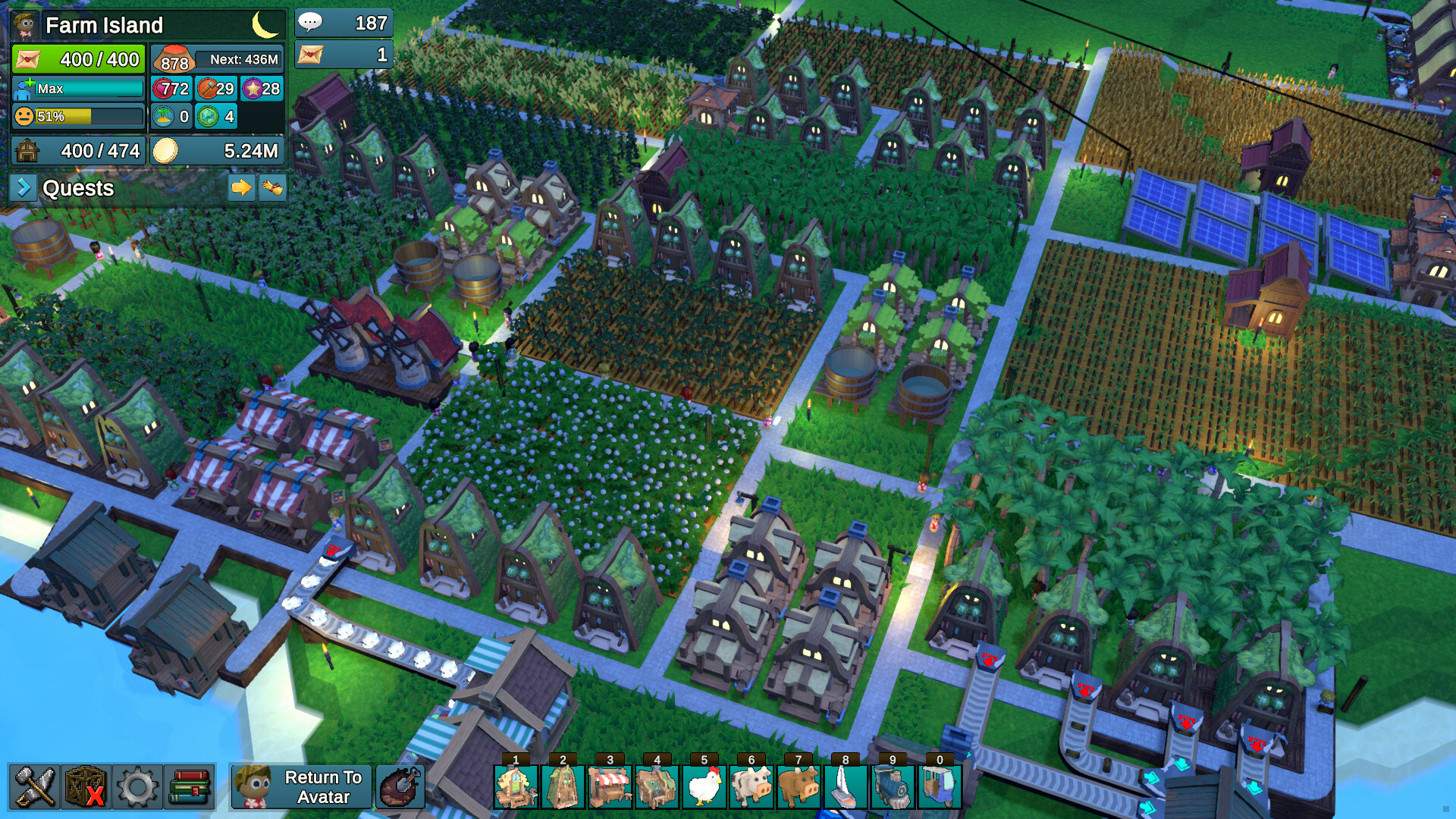
Factory Town 2 is a game about building a thriving tropical village, automating item production with conveyor belts, trains, and catapults, and feeding a giant volcano in exchange for super powers. You start out on an uninhabited island in the middle of the ocean. After harvesting some resources you can build houses, shops, roads, and factories. This will attract new villagers, who can do your tasks for you! They'll buy the things you make, and you can use that income to upgrade your buildings and expand further. As your economy grows, you'll need to solve bottlenecks and optimize supply chains using roads, bridges, trains, conveyor belts, and other automated delivery systems. Keep everyone's stats full by supplying them with food, water, clothing, luxuries, and other goods, and your tiny village will grow into a metropolis stretching across multiple islands! All of this is happening under the watchful eye of a powerful but friendly volcano deity. By feeding items into the volcano, you can gain its favor and it will reward you with new recipes, technology, and upgrades. The volcano can even summon new islands from the ocean floor that you can use to expand your town when you need more space. A day/night cycle, volumetric water physics, dozens of new items, overhauled town simulation, a controllable avatar and new transportation gadgets like catapults and ziplines offer fans of the original game a fresh and massively improved experience. Dig trenches and place dams to control the flow of water from springs in the mountains down to your farms and reservoirs to ensure they are properly hydrated. Use waterwheels and windmills to turn drive shafts that can boost food and mineral processing power, or generate electricity that flows through power lines to run refrigerators or furnaces. Produce dozens of different items including tropical drinks, pastries, ice cream, cooked meals, coffee, clothes, jewelry, books, medicine, and potions. Each item has its own set of worke
시뮬레이션인디전략싱글 플레이
공식 미디어
스크린샷과 영상
PC 정보
시스템 요구사항
권장: 64비트 프로세서와 운영 체제가 필요합니다 운영 체제: Windows 10 64 Bit 메모리: 8 GB RAM 그래픽: GeForce GTX 980 Ti DirectX: 버전 11 저장 공간: 1 GB 사용 가능 공간
출시 기록
플랫폼별 일정 이력
게임 타임라인
주요 이벤트
FAErik AsmussenFactory Town 2: Paradise
패치✓ 공식
Patch Notes 136
Mana Rechargers The Shrine buildings have been pretty underpowered, mainly because they fully consume Mana Crystals and those are fairly expensive to make (especially with very high water requirements to get the Mana Shards). So I've added back a highly-requested system from Factory Town 1: Mana Rechargers! Mana Rechargers take Depleted Mana Crystals, and a little Magic Powder, to produce a regular Mana Crystal again. This saves quite a bit of resources! (You will still need to convert it into Mana Power at a Mana Power Generator) The Depleted Mana Crystals come from new Shrine recipes: The wa
Steam News에서 원문 보기FAErik AsmussenFactory Town 2: Paradise
패치✓ 공식
Patch Notes 135
Shopping Balance Changes Players aiming for the Utopia achievement were having difficulty getting 100% happiness for all their villagers. There was always a small handful of workers just slightly unhappy, but by the time they shopped to full happiness, another worker would become unhappy. This was mostly due to some previous changes meant to prevent workers from abandoning their jobs for long stretches to get items they didn't really need. It seems those changes were just slightly too aggressive, so I balanced things back the other way. The key change is that workers make smarter decisions abo
Steam News에서 원문 보기FAErik AsmussenFactory Town 2: Paradise
패치✓ 공식
Patch Notes 134
Fixed bug: Perk Points were not counted correctly in the end game. (Players who had completed mini-volcano quests, then beat the game, were not seeing correct counts of available perk points) Improved terrain shading Smoothed motion of sun on sunrise and sunset More adjustments to dynamic lighting Fixed some non-localized terms
Steam News에서 원문 보기FAErik AsmussenFactory Town 2: Paradise
패치✓ 공식
Patch Notes 133
Animal Grazing Previously, it was possible to cram unlimited animals in a very tiny space. I think this made animal products much less interesting, because you didn't really have to think about the space they took up. This is addressed with a new feature: animal grazing. It works like this: Pasture Tiles now spawn Grazing Grass. It grows back relatively slowly. All Animal types have a new need to consume this grass, in addition to regular food and water. They will wander around their pasture, looking for grass to eat. What this means is that if you have too many animals in a pasture, they will
Steam News에서 원문 보기FAErik AsmussenFactory Town 2: Paradise
패치✓ 공식
Patch Notes 132
Patch 132 is now live! Here are the changes: Worker Overview Panel A new "Worker Overview" panel was added (default hotkey: K, but also accessible from the Misc menu in bottom left) that allows you to view a big list of all your workers and their status. It shows their level, house, job, current task, % of their time that is spent idle (if building can't produce a recipe, for instance). It also shows overall happiness, and happiness for each individual need. You can click on any of these header icons to sort by that stat. Click again to reverse the sort order. This should make it much easier t
Steam News에서 원문 보기FAErik AsmussenFactory Town 2: Paradise
패치✓ 공식
Patch Notes 131
Auto-Transfer Improvements Added item filter to Auto-Transfer so you can specify which items are transferred Auto-Transfer links can now be established even if the receiving building is elevated relative to the source building Improved grouping of AutoTransfer-related items on selected building UI Auto-Transfer now is added to the normal round-robin processing of other building outputs like belts and chutes New Buildings Added Battery: stores electrical power Added Mana Battery: storage for mana power Balance Changes Added storage upgrades to reservoir Changed stat value of Magic Potion and El
Steam News에서 원문 보기FAErik AsmussenFactory Town 2: Paradise
패치✓ 공식
Patch Notes 130
New Building: Desalinator A lot of players were having trouble getting enough water to meet their needs. So there is now a new building: Desalinator! It converts Salt Water to regular Water that can be used in all recipes. The Desalinator has two recipes: Salt Water -> Water Salt Water + Electricity -> Water The second recipe is much faster, but does require electricity. And it must be unlocked with a Crafting Token. The Desalinator can be unlocked on the Research / Utility tab, after unlocking Water Trenches. New Item: Salt Water The Desalinator requires Salt Water. The way you get Salt Water
Steam News에서 원문 보기FAErik AsmussenFactory Town 2: Paradise
패치✓ 공식
Patch Notes 129
Improvements / Bug Fixes Added link to “Getting Started Guide” on home page (English only) When opening the ‘Save As’ dialogue, the text cursor immediately jumps to the file name input field. And when you hit Enter, it saves the game without requiring you to hit the ‘save’ button Sometimes hitting Enter in a text field would prevent the cursor from automatically entering the text box on the Build menu Fixed bug: circle and square biomes were not spawning with resources Some biomes that are mostly low-lying are now able to spawn resources at lower elevations Fixed bug: rivers would not spawn on
Steam News에서 원문 보기FAErik AsmussenFactory Town 2: Paradise
패치✓ 공식
Patch Notes 128
Patch 128 is now on the main branch: Improvements Changing the top-level item filter at Markets, Stockpiles, Barns, Crates, Animal Troughs, Harbors, and Catapults will now instruct workers at those buildings to supply those items. In this screenshot, "Wheat" has been selected as the item filter for a Trough. In this screenshot, the worker Requests for the Trough now indicate that they will pick up Wheat from nearby sources. Before, this only worked if you configured the item filter on the storage slot itself, but that isn't as obvious or convenient for players. Added new console command: “rese
Steam News에서 원문 보기FAErik AsmussenFactory Town 2: Paradise
패치✓ 공식
Beta Patch Notes 128
Hope everyone is enjoying the game! Here is the first post-launch patch notes. These changes are right now only on the beta branch. Note: It is EXTREMELY helpful for me to have as many people as possible on the beta branch, to help catch errors before they make it to the main branch! If you would like to help find bugs, and also get bleeding-edge access to fixes & features, here are the instructions on installing the beta branch version. You can switch back any time! Right-click on Factory Town 2 in your Steam library Click 'Properties' Click 'Game Versions & Betas' Click 'beta - public testin
Steam News에서 원문 보기함께 볼 게임